QR code ordering
QR code ordering for restaurants
Increase efficiency and improve the customer experience with easy-to-manage QR code ordering.
How QR code ordering works
Step 1
Create your ordering page.
Build a mobile-friendly menu in minutes — no app download or design work needed.

Step 2
Generate and print your QR codes.
Each code is uniquely mapped to a table, counter, or pickup spot.

Step 3
Diners scan to open your menu.
Guests browse, add notes, and pay right from their phone.
Step 4
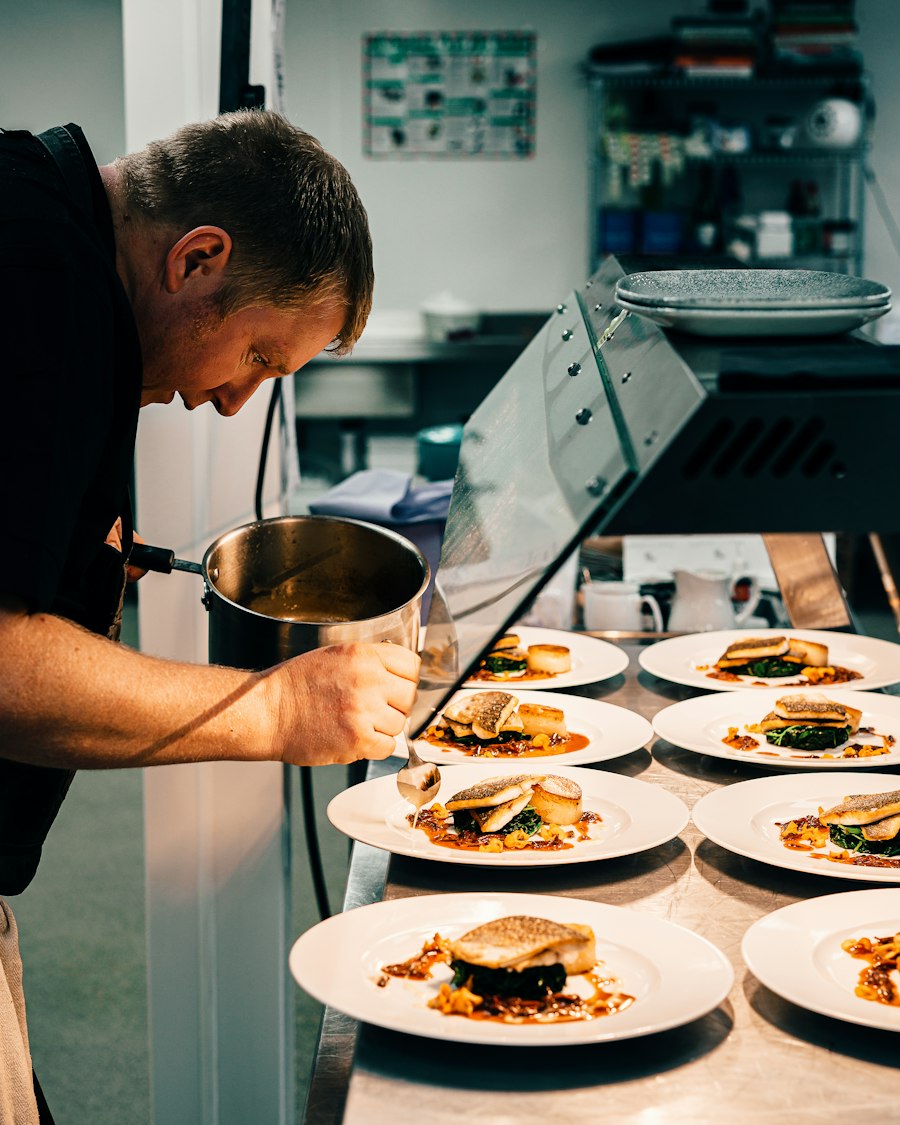
Orders go straight to your kitchen.
Tickets print automatically so your team can prep without delay.
Streamline operations and improve customer service.
Accept payments instantly
Apple Pay, Google Pay, and cards — all handled at the table.
Turn tables faster
Guests order the moment they sit down, no waiting on a server.
Free up your staff
Less time taking orders means more time on food and service.
Order when ready
No rushing — diners browse and order entirely at their own pace.
Understand your guests
See what sells and build offers that bring people back.
One ticket per table
Orders from the same table combine into a single, clear ticket.

"QR code ordering lets customers place orders without coming inside — it's a much better experience for everyone, and our kitchen runs smoother too."
— Marc G., Restaurant Owner
Get started with QR code ordering today
Setting up your ordering page and QR codes is quick and easy.